
A simple phone app for seniors with memory changes
Quick answer. Start with the phone they already have. Use the simpler mode already on it, keep a few choices on each screen, and put the people they call there with a name, who they are, and a clear photo. Give the screen more time before it locks. Sunday Visit is a calm, Australian-made phone app with six big buttons for gentle sounds, family photos, easy movement, quiet games, memories and calls to people they trust. Family can choose what's on it in Sunday Visit Carer. Games are for calm enjoyment. If memory problems are affecting daily life, it's time to see a doctor.
Keep it to a few big choices, use names and faces, and give them time. Dementia Australia's communication advice says to keep to one idea at a time and offer a limited number of choices, and the same thinking works on a phone screen.
Most of this is already in the phone's own settings, so you can usually keep the phone they know. Do it together, a little at a time.
Why it matters
Dementia Australia estimates that 446,500 Australians are living with dementia in 2026, and that 1.7 million people in Australia are involved in the care of someone living with dementia. Dementia is more common after 65, but the World Health Organization says it is not an inevitable part of ageing.
Not every memory change is dementia. healthdirect says many conditions can cause memory loss, including depression, and that sometimes a relative or friend notices before the person does. If memory problems are affecting daily life, it's time to see a doctor.
Plenty of people with memory changes keep using a phone. In a study of 14 people with mild to moderate dementia, the hard parts were finding apps, using the phone when stressed, tired or rushed, and learning things again after an update. A review of 28 papers found that people who already knew a phone or tablet before memory changes began tended to get more out of it.
Before you start
- Sit down together. It's their phone, so set it up with them, never behind their back.
- Ask what's hardest for them right now. Start there.
- Pick a quiet time when they're at their best. Dementia Australia suggests avoiding competing noise, such as the TV or radio.
- Book a hearing check and an eye test if they're due. Dementia Australia suggests both.
Step 1. Fewer choices on each screen
Start with the simpler mode already on the phone. On an iPhone with iOS 17 or later, Assistive Access shows a few large buttons and only the apps you choose. Apple says it helps people with cognitive disabilities use an iPhone more easily, and a family member can help set it up. Samsung Galaxy phones have Easy mode, and Google Pixel phones have Simple View. Our guide How to make a phone simpler for seniors and elderly parents walks through each one.
Then take off the apps they don't use. A University of Queensland dementia team suggests a "clear and uncluttered set-up". Ask before you remove anything.
Step 2. Put names and faces on the people they call
Dementia Australia suggests using names and relationships together. Save each contact the way they'd say it, then add who the person is, such as their son's name followed by "(son)". Add a clear, recent photo of each face.
On an iPhone: in Contacts, choose a person, scroll down and tap Add to Favourites. They then appear in Favourites in the Phone app.
On a Samsung in Easy mode: swipe across the Home screen to the contacts page, then tap the add button to add a new contact.
On many newer Android phones: touch and hold the Contacts app, tap Widgets, and drag a single contact onto the Home screen.
Step 3. Give them more time
Dementia Australia says to allow plenty of time for a response. A screen that locks after a few seconds can rush them, so make it wait a little longer. Menu names differ between phone models, so look for the closest match.
On an iPhone: go to Settings, then Display & Brightness, then Auto-Lock, and choose a longer time. Apple notes this may use more battery.
On a Samsung Galaxy: go to Settings, then Display, then Screen timeout. Samsung says it is set to 30 seconds out of the box and can go up to 10 minutes.
On a Google Pixel: Screen timeout is under Settings, then Display and touch.
The lock is there for their security, so choose a longer time rather than turning it off. On calls, slow down too. Dementia Australia says, "Don't rush your calls."
Step 4. Leave a short note by the phone
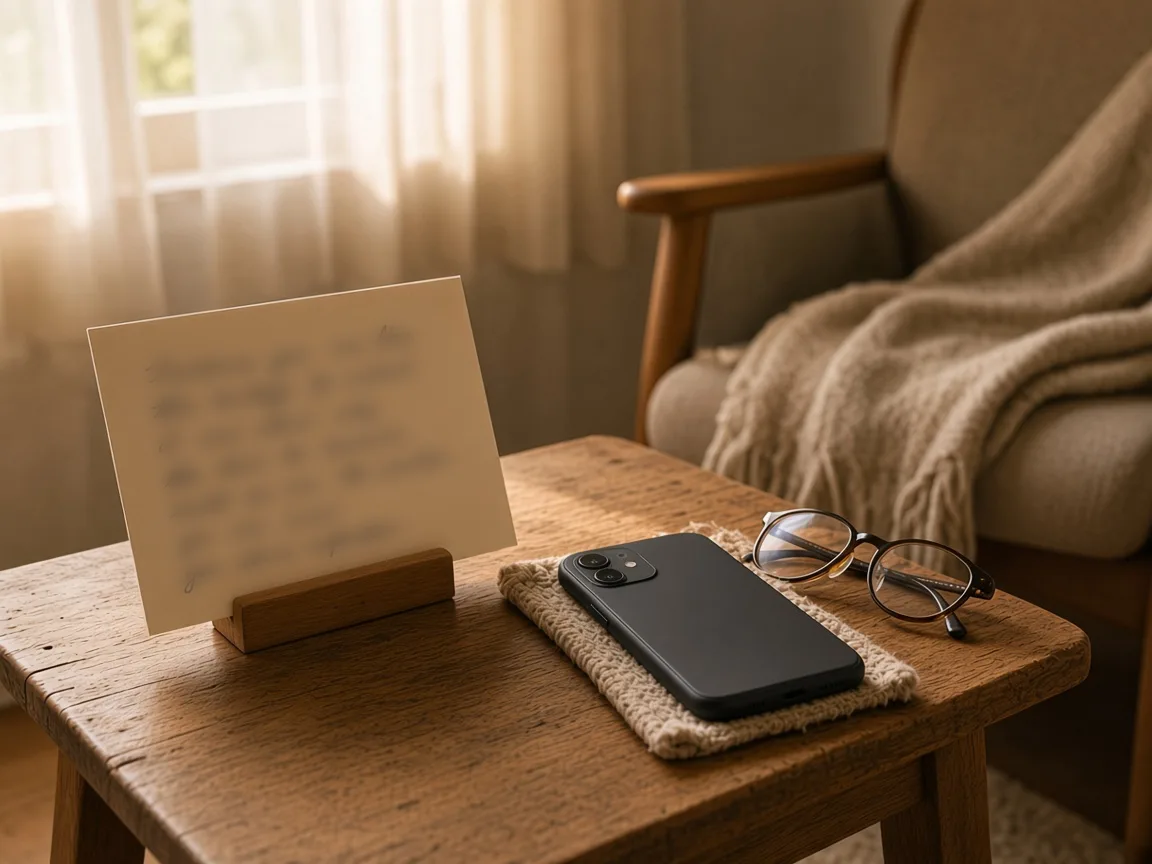
The same University of Queensland team suggests putting simple instructions near the technology, so nobody has to rely on memory. Write a card in big print, one idea per line, such as how to call family and how to get back to the Home screen.
Step 5. Keep it the same, and plan for updates
In the study above, learning things again after an update was one of the hardest parts. One person said, "nobody gives you instructions that these are the changes that have taken place." After an update, check the phone together and put things back where they were, if you can. Keep the charger in the same spot, and agree who they can ring when something looks different.
Tips that work on any phone
- Show one thing at a time, then let them try it themselves.
- Say what they can do, rather than what they can't.
- Ask yes-or-no questions, like "Would you like to call your daughter?", rather than questions that rely on memory.
- Use the same words for the same thing every time.
- Set reminders on the phone for regular times and tasks. A clock that shows the time, day and date can help as well.
- If talking on the phone is getting harder, try a video call.
If a few big buttons would help
Sometimes the phone's own settings are enough. Sometimes a person would rather open one calm app.
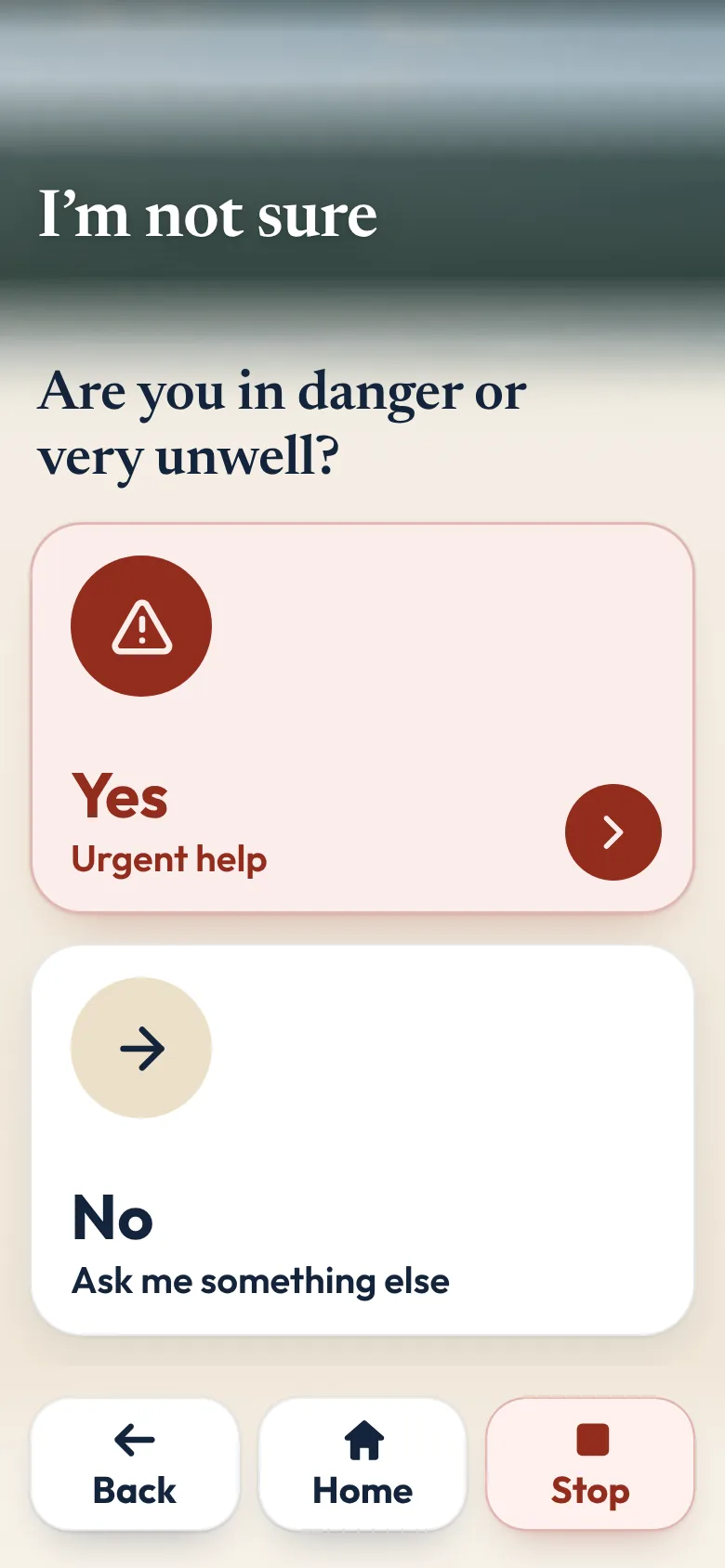
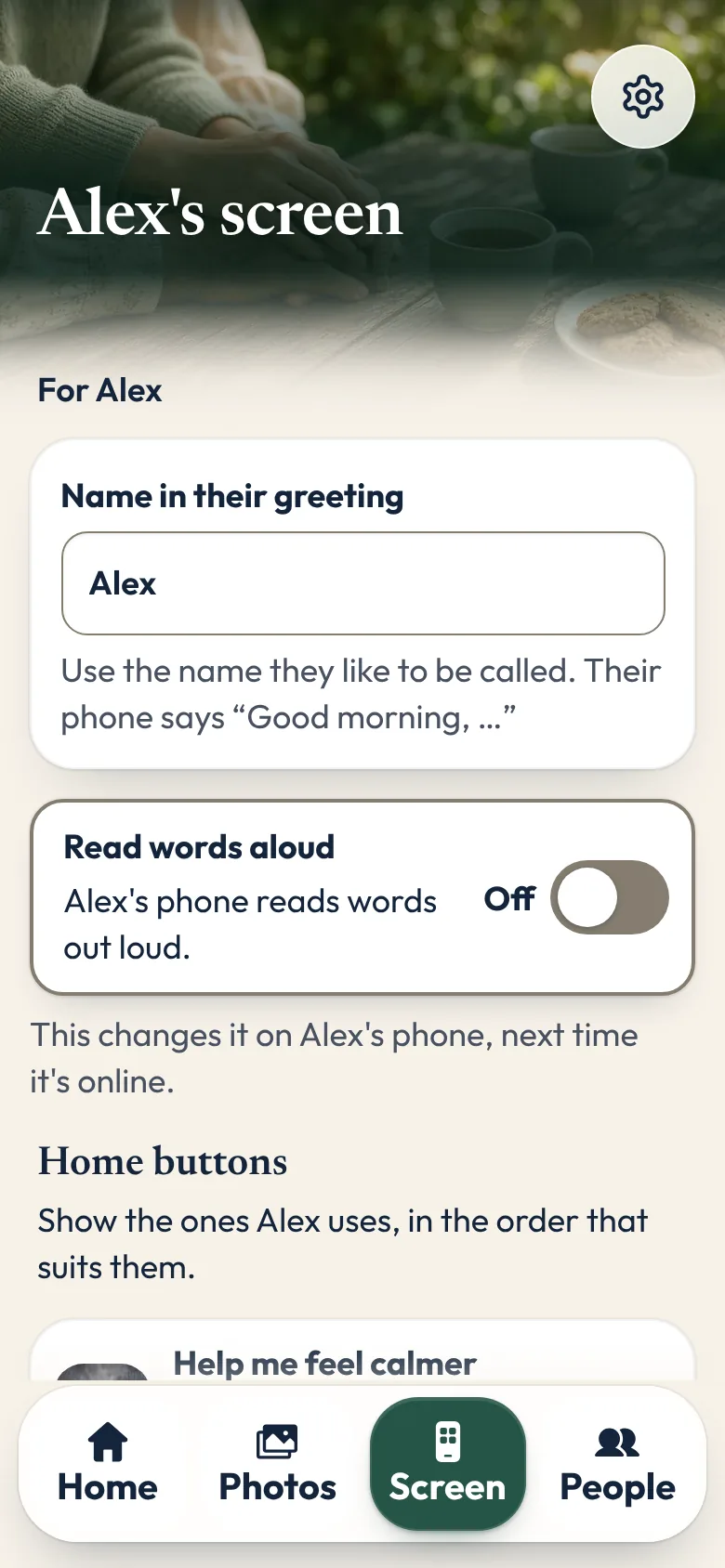
That is why we made Sunday Visit. Sunday Visit is a calm, Australian-made phone app for seniors and elderly people, with six big buttons for gentle sounds, family photos, easy movement, quiet games, memories and calls to people they trust. Family choose what's on it in a linked second app, Sunday Visit Carer. It greets them by name, and every time it opens it says "Take your time." Back, Home and Stop are at the bottom of every screen, so there's always a way out. There are no scores, no countdowns and no ads, and nothing is ever marked wrong. To call someone, they tap a name, then Call, and the phone's own dialler opens with the number ready. They press Call themselves.
Our research page sets out what studies have and haven't found, including for people living with dementia.
Help and support
- National Dementia Helpline: 1800 100 500, 24 hours a day, seven days a week. It's free and confidential, and it's also there for people worried about their own memory. Live chat and email are on the Dementia Australia website. For an interpreter, call the Translating and Interpreting Service on 131 450.
- Dementia Support Australia: a 24-hour helpline on 1800 699 799 for family and friend carers.
- Carer Gateway: 1800 422 737, to ask about support services for carers.
- healthdirect: 1800 022 222 (NURSE-ON-CALL in Victoria), to talk with a registered nurse 24 hours a day.
- Their doctor: the first person to talk to about changes in memory, thinking, behaviour or mood.
- In an emergency: call Triple Zero (000), or your local emergency number outside Australia.
Questions families ask
Should we buy a special phone for someone with memory changes?
Usually not first. A review of 28 papers found that people who already knew a phone or tablet before memory changes began tended to get more out of it. Try the simpler mode on the phone they have.
How do I stop the screen locking before they've finished?
On an iPhone, go to Settings, then Display & Brightness, then Auto-Lock. On a Samsung, go to Settings, then Display, then Screen timeout. Choose a longer time rather than turning the lock off.
How can they find the right person to call?
Put a few people in Favourites or on the Home screen, each with a clear photo, their name and who they are, such as "(son)".
What if an update moves everything around?
Check the phone together after each update and put things back where they were. A short note by the phone, in big print, helps too.
Does Sunday Visit help with memory or dementia?
Sunday Visit's Games are for calm enjoyment. In an emergency, call Triple Zero (000).
Is there a simple phone app for someone living with dementia?
Sunday Visit is a calm, Australian-made phone app with six big buttons: Calm, Album, Move, Games, Memories and Call. Family can choose what's on it in Sunday Visit Carer. Games are for calm enjoyment. For activity ideas at home, see Activities for people with dementia at home. If memory problems are affecting daily life, it's time to see a doctor. The National Dementia Helpline is on 1800 100 500. In an emergency, call Triple Zero (000).
More guides for families
- How to make a phone simpler for seniors and elderly parents
- How to set up a phone for an elderly parent, in 5 steps
- How to stay in touch with elderly parents who live far away
- Calm games and activities for seniors, with no ads
- Helping an elderly parent: first visits, one skill at a time
- Activities for people with dementia at home
- A simpler phone, with six big buttons family can set up.
- Set up a simpler phone from a phone you already have.
A simple phone app with six big buttons
Something else? The help page has more, or email hello@sundayvisit.com.au.
Sources
- Dementia Australia, dementia facts and figures
- Dementia Australia, talking to someone with dementia
- Dementia Australia, visiting someone with dementia
- Dementia Australia, tools and aids to help at home
- Dementia Australia, communication helpsheet
- healthdirect, worried about your memory
- World Health Organization, dementia fact sheet
- University of Queensland, how technology can help with dementia
- Study of 14 people with dementia using smartphones
- Review of 28 papers
The Sunday Visit team