
Reminiscence at home: photos, familiar songs and stories
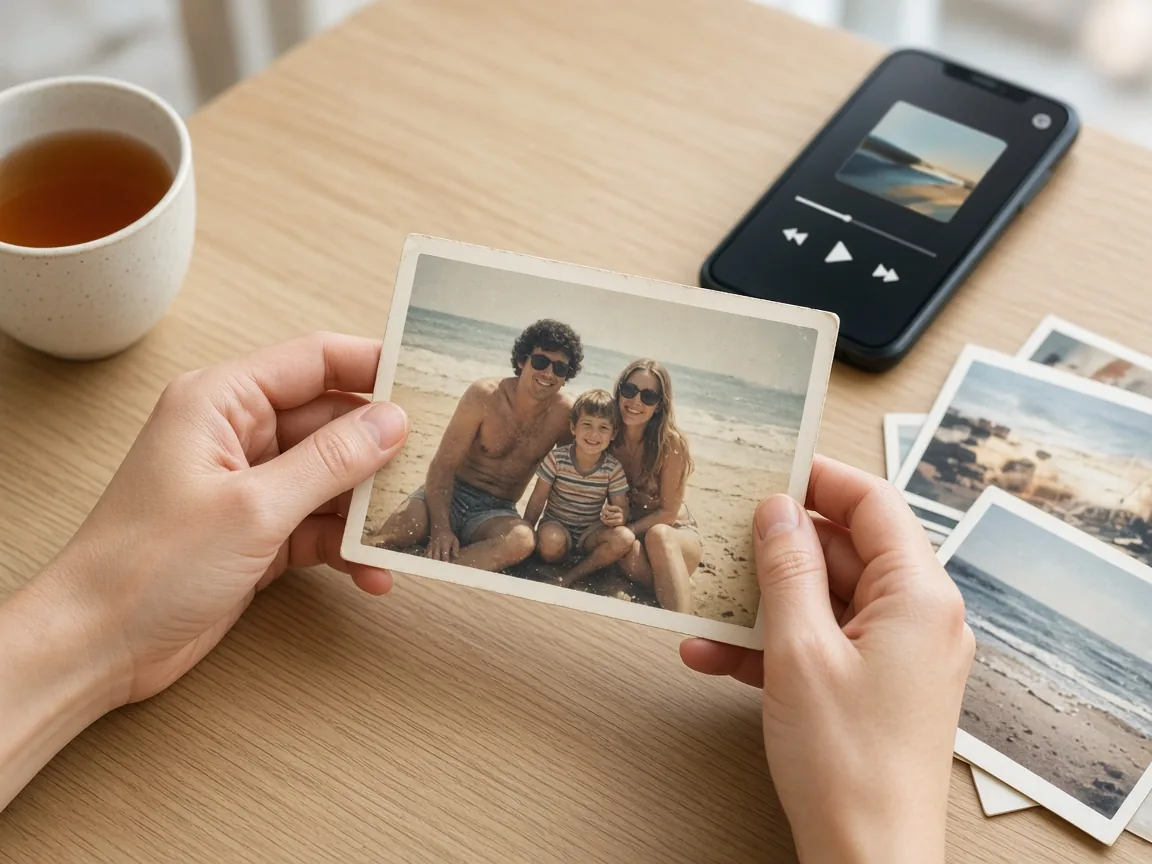
Looking through a few familiar photos, or playing a well-loved song, is a gentle way to spend time together. You can do it with printed photos and a radio, or with the phone they already have. A handful of pictures and one song is enough.
Before you start
- Ask which photos and songs they'd like to look at or hear. Let them choose.
- Sit somewhere quiet and comfortable, with the volume at a level they like.
- If you already share a photo album, have it ready. Our family photos guide walks through setting one up.
- Printed photos work just as well as photos on a phone.
Step 1. Start with a few photos you can look at together
Pick a handful, such as a holiday, a garden, a workplace or a family get-together, rather than scrolling through hundreds. Look at one picture at a time. You might ask who is in the photo, where it was, or what happened next. There is no right answer. Leave time for a story, or for a quiet look.
If the photos are already on the iPhone, you can also open Memories: open the Photos app, tap Collections, then Memories, and tap one to watch it. Apple's guide: View your memories in Photos on iPhone.
Step 2. Keep new family photos coming, if you'd like to
A shared album lets family add new pictures for you to look at together later.
On an iPhone: first, in Settings, tap your name, then iCloud, then Photos, and turn on Shared Albums. Then open the Photos app, tap Collections, tap Shared Albums, and tap Add. Give the album a name, choose the photos, use Sharing Options to invite the people you'd like, and tap Done. Apple's guide: How to use Shared Albums in Photos.
On an Android phone: open the Google Photos app, sign in, go to Photos, select the pictures, create an album, give it a title, then tap Share and choose who to share it with. Google's guide: Share photos & videos.
If you'd rather not use a shared album, a few printed copies in a simple folder work well.
Step 3. Play a familiar song
Ask which song they'd like. One track is enough.
On an iPhone: open the Music app, tap Library, then Songs, and tap the song you'd like. Apple's guide: Play music on iPhone.
On an Android phone: in the YouTube Music app, use the search bar to find the song, or look in the Library tab for music already saved. Google's guide: Find music & podcasts in YouTube Music.
A radio, a CD, or a song already on the phone is just as good. Talk about what the song brings to mind, or simply listen together.
Step 4. Let a story start from the photo or the song
You don't need a script. A few gentle prompts are plenty:
- Who is in this picture?
- What was a usual Sunday like?
- What did you enjoy cooking?
- Where did you like to go?
- What was your first job?
- What song shall we hear next?
If they want to sit quietly, that's fine too. Our conversation starters for a visit has a longer list you can keep in Notes.
Step 5. Leave it where you can find it next time
Keep the shared album, the printed folder, or the playlist somewhere obvious. A short, regular time, like a cup of tea and two or three photos, is easier than a long session now and then.
A one-page checklist to do together
- A few familiar photos are ready, printed or on the phone.
- One song they chose is ready to play.
- The volume is comfortable.
- If you use a shared album, only the people you invited are in it.
- You've agreed a short, regular time to look and listen again.
Where Sunday Visit fits
Printed photos and a radio work well for many families. Some people would rather open one calm app where everything is waiting.
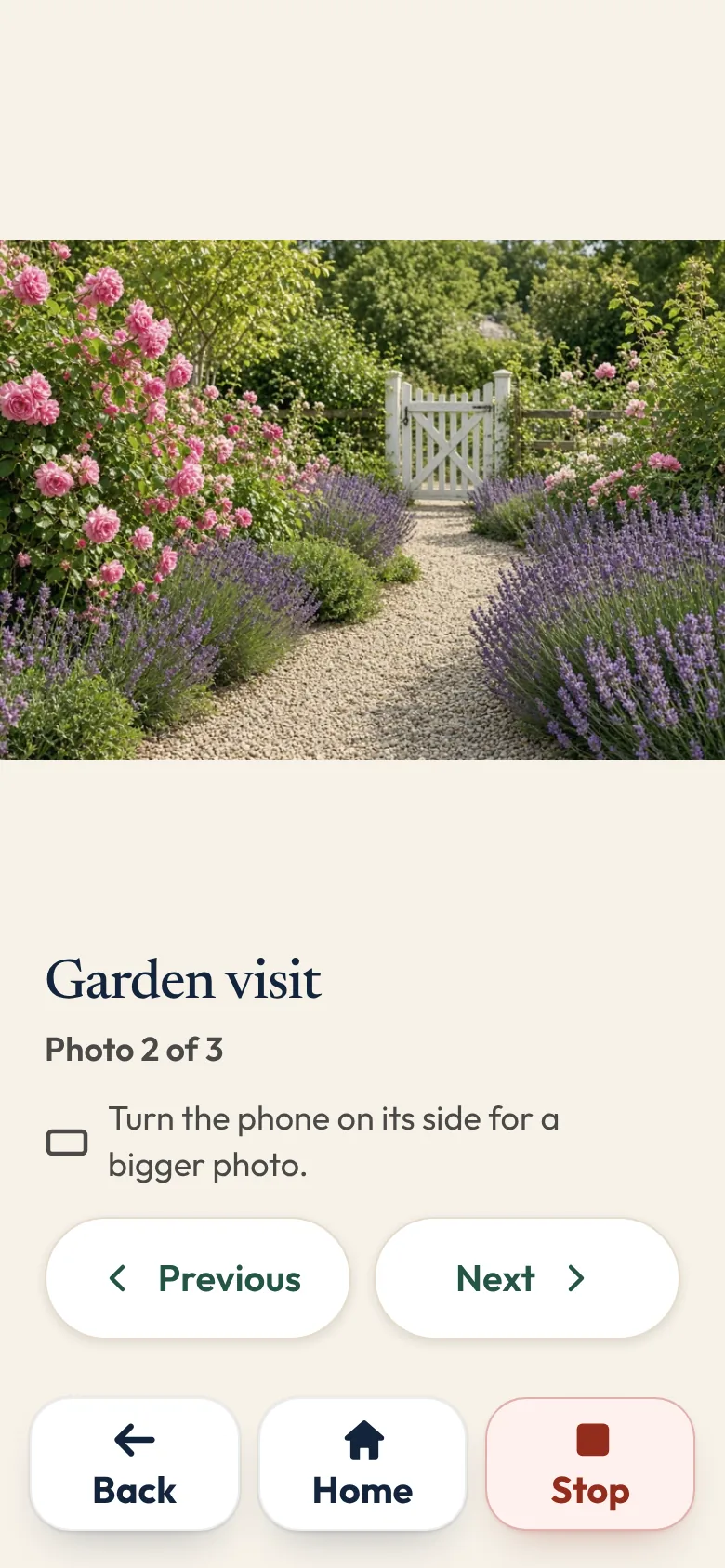
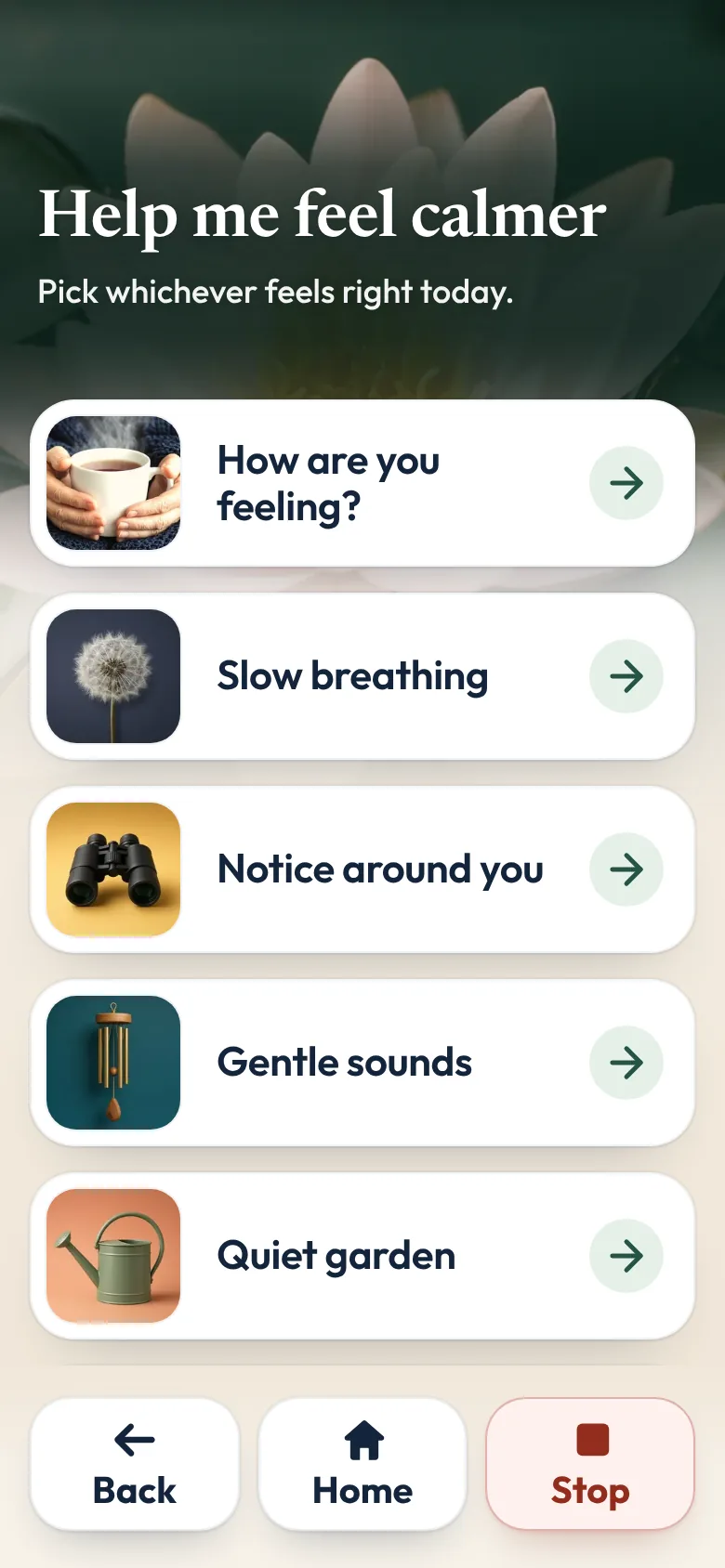
That is why we made Sunday Visit. Sunday Visit is a calm, Australian-made phone app for seniors and anyone who wants a simpler phone, with six big buttons for gentle sounds, family photos, easy movement, quiet games, memories and calls to people they trust. Family choose what's on it in a linked second app, Sunday Visit Carer.
One of its six big buttons is Album. It holds the family's photos, sounds and short videos in three lists, newest first. Memories has questions to share with a visitor, or to think about quietly, from growing up and home to music, food and celebrations. They can skip any.
Our research page sets out what studies have and haven't found, including for people living with dementia.
In an emergency, call Triple Zero (000), or your local emergency number outside Australia.
You can try Sunday Visit in your browser, with example people and photos.
It works on Android 8.0 or newer and iOS 15 or newer. Both apps are on Google Play. Get Sunday Visit for their phone and Sunday Visit Carer for yours. You can find them at sundayvisit.com.au.
Questions families ask
Do we need a smartphone for this?
No. Printed photos and a radio or CD work just as well. The phone steps are only if you'd like the pictures or the music on a device you already have.
How do I make a shared photo album on iPhone?
In Settings, tap your name, then iCloud, then Photos, and turn on Shared Albums. Then open Photos, tap Collections, tap Shared Albums, and tap Add. Name the album, choose photos, use Sharing Options to invite the people you'd like, and tap Done. Apple's guide: How to use Shared Albums in Photos.
How do I make a shared album on Android?
In the Google Photos app, select the photos, create an album, give it a title, then tap Share and choose who to share it with. Google's guide: Share photos & videos.
What if they don't want to talk?
Looking and listening is enough. Leave the questions aside, and try another day if they'd like to.
Where can I find Memories on an iPhone?
Open Photos, tap Collections, then tap Memories. Apple's guide: View your memories in Photos on iPhone.
More guides for families
- Share family photos on a phone, in one shared album
- Conversation starters for a visit with someone you love
- Calm games and activities for seniors, with no ads
Something else? The help page has more, or email hello@sundayvisit.com.au.