
Conversation starters for a visit with someone you love

A visit is often easier when you have a few questions ready, and no pressure to fill every silence. Start with something familiar, like a photo, a song or a story from the week, and leave plenty of time to listen. A short list in a notes app, or on a piece of paper, is enough.
Before you start
- Choose a calm time, and sit where you can see each other comfortably.
- Write only a few questions. You won't need them all.
- Let them lead. If they'd rather talk about something else, follow that.
- If you'd like to look at photos or play a song first, see reminiscence at home.
Step 1. Write a short list you can glance at
Five or six questions in everyday words is plenty.
On an iPhone: open the Notes app, start a new note, and type your list. To find it quickly next time, swipe right over the note in your list of notes and tap Pin. Apple's guide: Use Notes on your iPhone.
On an Android phone: open the Google Keep app, tap Create, choose Text or List, add a title and your questions, then tap Back to save. Google's guide: Create or edit a note.
A card in your pocket works just as well.
Step 2. Start with something you can look at or hear
A photo, a familiar song, a postcard, or something from the garden gives the conversation a place to begin. You might say "I brought this picture" or "Shall we hear this song?", then wait. Our reminiscence guide has the phone steps if you need them.
Step 3. Use gentle, open questions
Try questions that invite a story, not a test. For example:
- Who is in this picture?
- What was a usual Sunday like when you were younger?
- What did you enjoy cooking, or eating?
- Where did you like to go on a day off?
- What was your first job, or a job you liked?
- What song shall we hear?
- What would you like to do next time I visit?
If a question doesn't land, let it go and sit together for a moment. Listening matters more than getting through the list.
Step 4. Leave time, and don't mind a pause
A pause is not a problem. People often need a little time to find the words, or to enjoy the quiet. You can look at the next photo, pour another cup of tea, or simply stay.
If they ask you a question, answer it. A visit is a conversation, not an interview.
Step 5. Note what they'd like next time
If they mention a song, a person, or a place they'd like to come back to, add it to the same note, or write it on the card. That gives you an easy place to start on the next visit.
A one-page checklist to do together
- A short list of questions is ready, in Notes, Google Keep, or on paper.
- You have one familiar photo or song to start with, if they'd like it.
- You've left enough time, with no rush to finish the list.
- You've noted anything they'd like to come back to next time.
Where Sunday Visit fits
A list on paper or in Notes works well. Some people would also like questions ready on their phone whenever they want them.
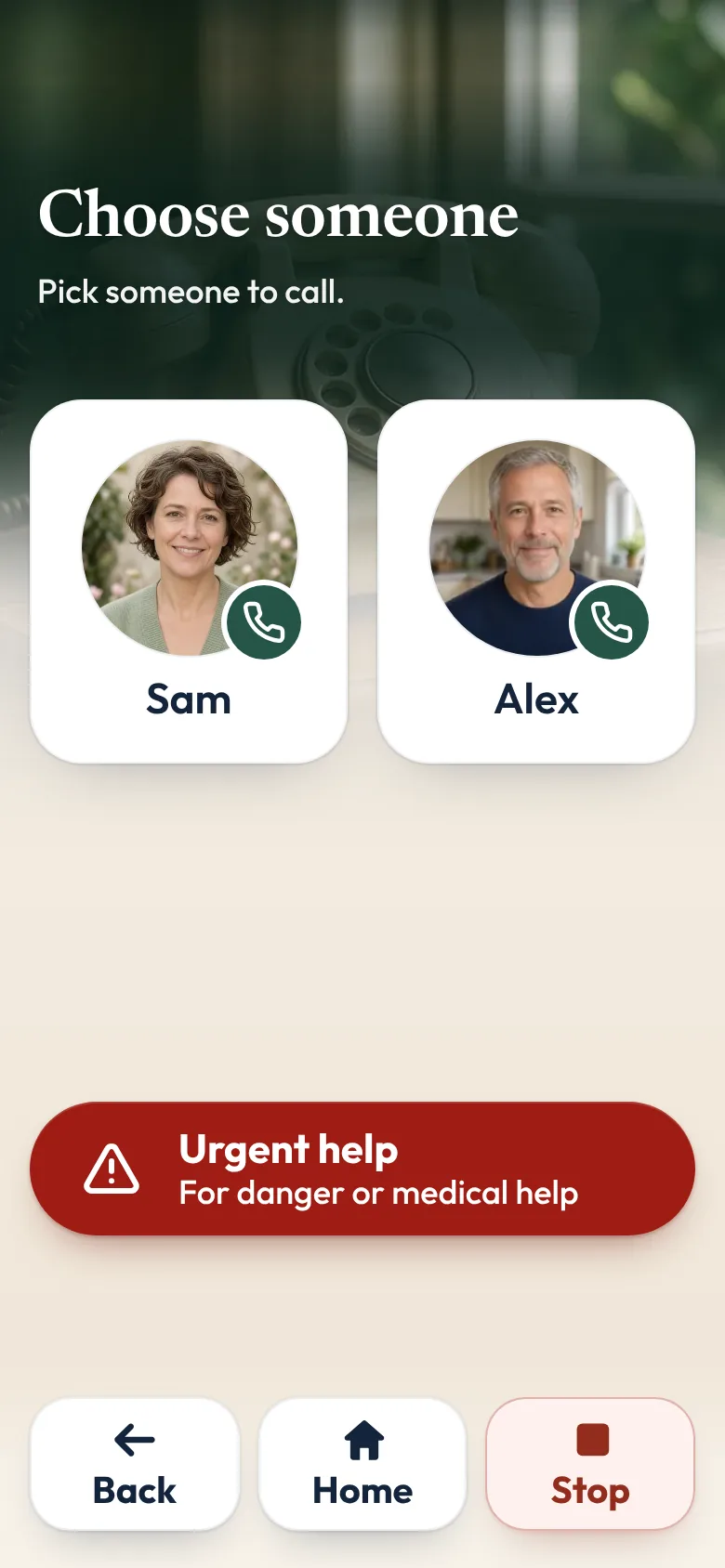
That is why we made Sunday Visit. Sunday Visit is a calm, Australian-made phone app for seniors and anyone who wants a simpler phone, with six big buttons for gentle sounds, family photos, easy movement, quiet games, memories and calls to people they trust. Family choose what's on it in a linked second app, Sunday Visit Carer.
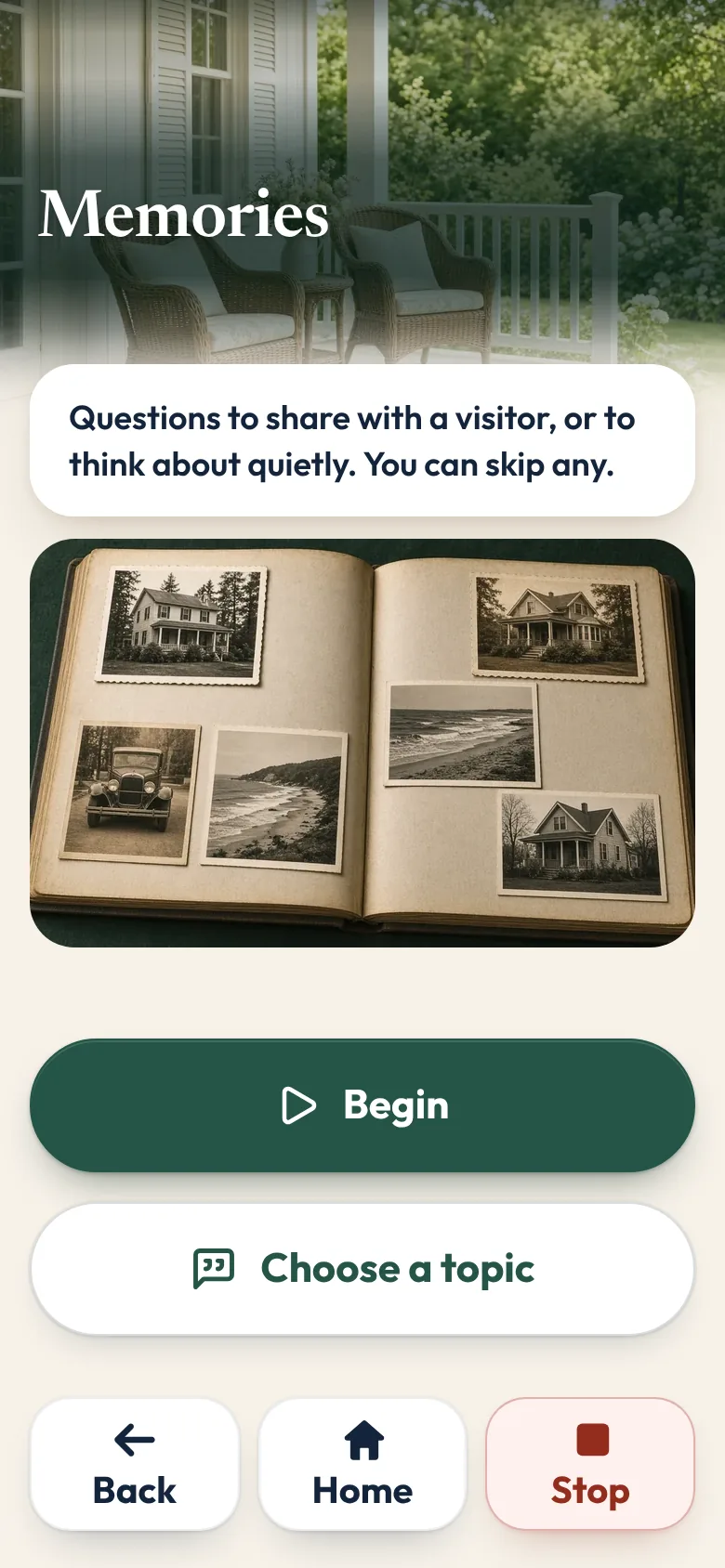
Memories has questions to share with a visitor, or to think about quietly, from growing up and home to music, food and celebrations. They can skip any. Album holds family photos, songs and short videos.
Our research page sets out what studies have and haven't found, including for people living with dementia.
In an emergency, call Triple Zero (000), or your local emergency number outside Australia.
You can try Sunday Visit in your browser, with example people and photos.
It works on Android 8.0 or newer and iOS 15 or newer. Both apps are on Google Play. Get Sunday Visit for their phone and Sunday Visit Carer for yours. You can find them at sundayvisit.com.au.
Questions families ask
What if I run out of things to say?
Sit with a photo or a song, or just sit together. You don't have to keep talking. A short visit with a few easy questions is enough.
How do I keep a list on an iPhone?
Open the Notes app, start a new note, and type your questions. To keep it at the top, swipe right over it in the list of notes and tap Pin. Apple's guide: Use Notes on your iPhone.
How do I keep a list on an Android phone?
Open Google Keep, tap Create, choose Text or List, add a title and your questions, then tap Back. Google's guide: Create or edit a note.
Should I correct a story if I remember it differently?
Usually no. The point is to spend time together, not to settle every detail. If they ask you what you remember, you can share it kindly.
Can we use these questions on a phone call as well as a visit?
Yes. A short list works on a voice call or a FaceTime call too. See How to make a first FaceTime call with someone you love.
More guides for families
- Reminiscence at home: photos, familiar songs and stories
- How to make a first FaceTime call with someone you love
- How to stay in touch with elderly parents who live far away
- 50 questions to ask elderly parents and grandparents
Something else? The help page has more, or email hello@sundayvisit.com.au.