
How to make a first FaceTime call with someone you love

A first FaceTime call is easier when you sit together, keep it short, and use the same day and time each week. You don't need a new phone. FaceTime is already on iPhone, and someone on an Android phone can join from a link in a browser.
Before you start
- Ask if a video call is something they'd like. A voice call they already know can be the better first step.
- Sit side by side if you can, or ask someone nearby to sit with them while you call.
- Charge both phones, use a steady surface, and turn the volume up before you start.
- A FaceTime call needs an internet connection. Apple's guide: Make FaceTime calls on iPhone.
Step 1. Make the first call, iPhone to iPhone
- Open the FaceTime app and tap New Call.
- Start typing the person's name, and tap it when it appears.
- Tap FaceTime for a video call, or Audio for a voice call.
If FaceTime isn't turned on yet, go to Settings, scroll to Apps, tap FaceTime, and turn it on. Apple's guide: Use FaceTime with your iPhone or iPad.
Keep the first call short. End while it still feels easy, and agree when you'll try again.
Step 2. If the other person is on Android, send a FaceTime link
Someone using an Android phone can join a FaceTime call in a browser. The person with the iPhone creates the link.
On the iPhone: go to the FaceTime app, tap New Call, then tap the button for creating and sending a link, and choose how to send it (for example Messages or Mail). Apple's guide: Create a link to a FaceTime call on iPhone. FaceTime links need iOS 15 or later on the iPhone.
On the Android phone: open the link in the latest version of Google Chrome or Microsoft Edge, enter a name, tap Continue, allow the camera and microphone if asked, tap Join, and wait to be let in. They can turn the microphone or camera off, and tap Leave when they're done. Apple's guide: Join a FaceTime call from an Android or Windows device.
Stay on the line until the other person can see and hear you.
Step 3. Make FaceTime easy to find next time
Leave the FaceTime app on the first Home Screen. Recent calls are listed when you open FaceTime, so you can find the same person again there.
Agree a regular day and time, and write it by the phone. A short weekly call is easier to remember than a long one now and then.
Step 4. Make the words and the picture easier to follow
- Sit in good, even light, with the phone on a stand or against a stable object at roughly eye level.
- Turn the volume up before you call.
- Turn the iPhone on its side to see more of the other person.
- If words on the screen would help, turn on Live Captions: during the call, tap More, then Live Captions. It needs an iPhone 11 or later, and isn't available in every language or region. Apple's guides: Use FaceTime with your iPhone or iPad and Get live captions of spoken audio on iPhone.
Step 5. If they don't answer
If a FaceTime video call isn't answered, you can tap Record Video and leave a short video message. Apple's guide: Make FaceTime calls on iPhone.
If you miss each other, try again the same day if you can, so the routine holds.
A one-page checklist to do together
- Both phones are charged, and the volume is turned up.
- FaceTime is on the first Home Screen.
- You've practised one short call, sitting together if you can.
- If one of you uses Android, a FaceTime link has been sent and opened in Chrome or Edge.
- Live Captions is on, if words on the screen would help.
- A regular day and time is written by the phone.
Where Sunday Visit fits
Sometimes the phone's own apps are enough. Sometimes a person would rather open one calm app with a few big buttons.
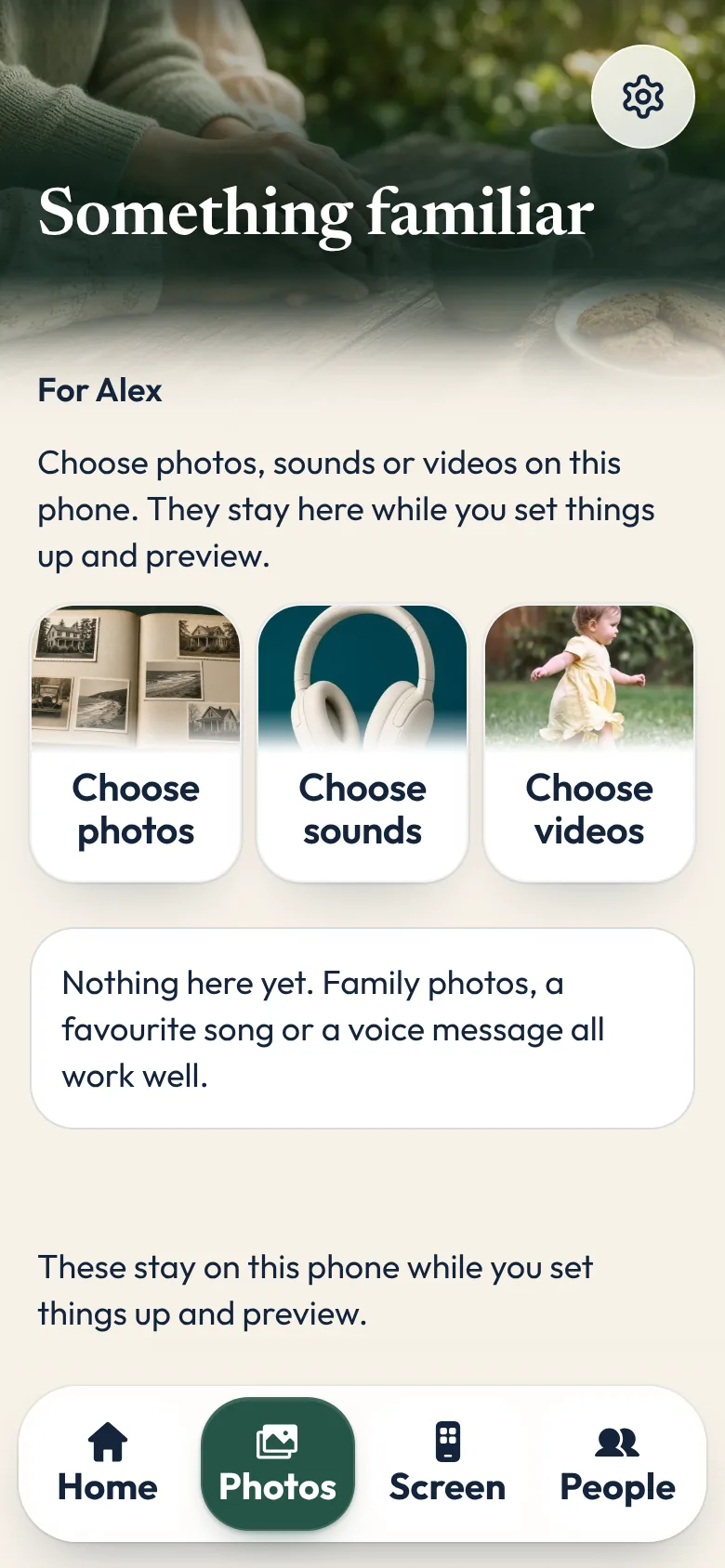
That is why we made Sunday Visit. Sunday Visit is a calm, Australian-made phone app for seniors and anyone who wants a simpler phone, with six big buttons for gentle sounds, family photos, easy movement, quiet games, memories and calls to people they trust. Family choose what's on it in a linked second app, Sunday Visit Carer.
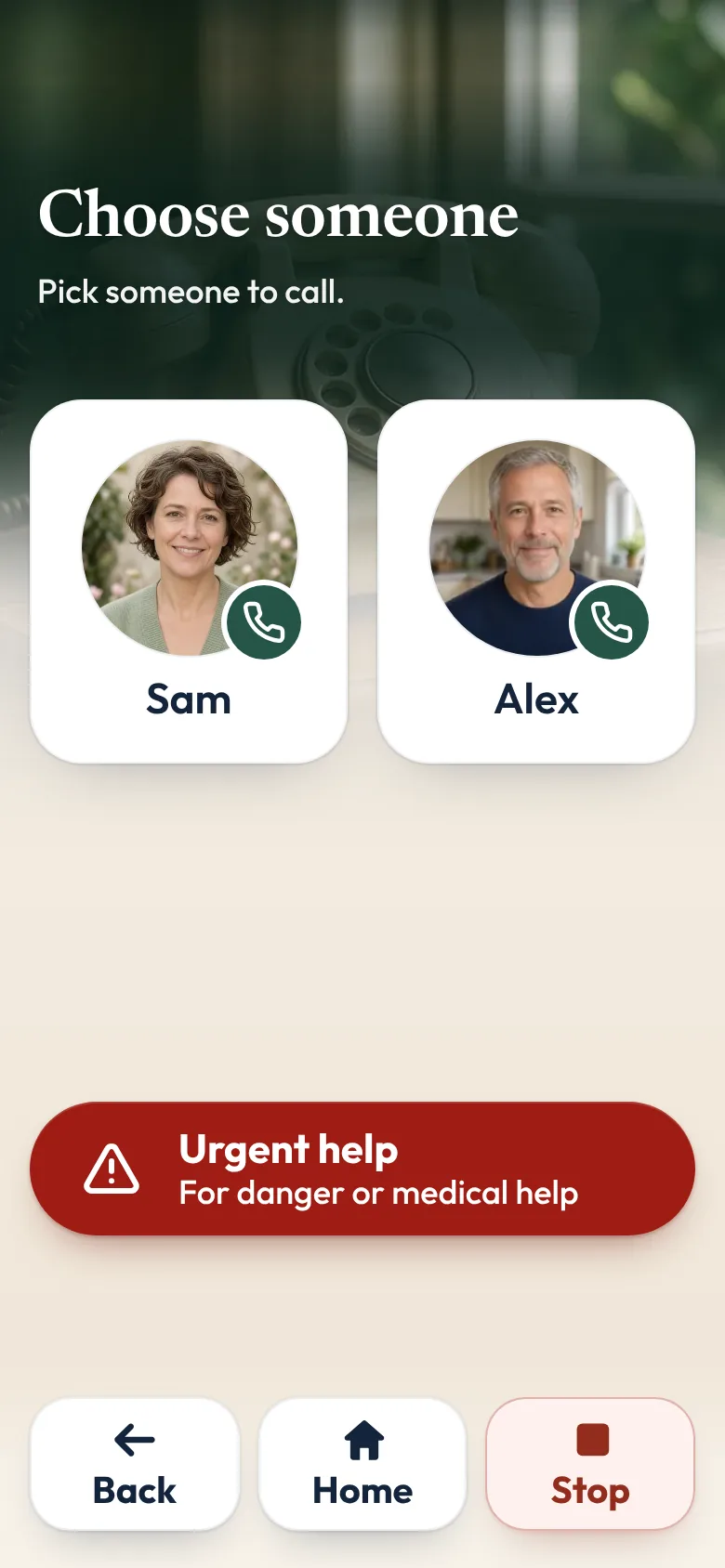
One of its six big buttons is Call. They tap a name, then "Call Sam", and the phone's own dialler opens with the number ready. They press Call themselves.
There are no ads, and the person using it doesn't need an account, an email or a password.
In an emergency, call Triple Zero (000), or your local emergency number outside Australia.
You can try Sunday Visit in your browser, with example people and photos.
It works on Android 8.0 or newer and iOS 15 or newer. Both apps are on Google Play. Get Sunday Visit for their phone and Sunday Visit Carer for yours. You can find them at sundayvisit.com.au.
Questions families ask
Can someone on an Android phone join a FaceTime call?
Yes. The person with the iPhone creates a FaceTime link and sends it. The person on Android opens the link in the latest Chrome or Microsoft Edge, enters their name, taps Continue, then taps Join, and waits to be let in. Apple's guide: Join a FaceTime call from an Android or Windows device.
What if the first call feels awkward?
Keep it short, sit together if you can, and try again at the same time the next week. A short weekly call is usually easier than a long first attempt.
How do I start a FaceTime call on iPhone?
Open FaceTime, tap New Call, start typing the person's name and tap it, then tap FaceTime for video or Audio for a voice call. Apple's guide: Use FaceTime with your iPhone or iPad.
Can I see the words on the screen during the call?
Yes, on an iPhone 11 or later, where Live Captions is available in your language and region. During the call, tap More, then Live Captions. Apple's guide: Use FaceTime with your iPhone or iPad.
What if they don't pick up?
You can leave a short FaceTime video message, then try again the same day if you can. Apple's guide: Make FaceTime calls on iPhone.
More guides for families
- How to stay in touch with elderly parents who live far away
- How to set up a phone for an elderly parent, in 5 steps
- How to make a phone simpler for seniors and elderly parents
- Make a video call simpler for someone you love.
Something else? The help page has more, or email hello@sundayvisit.com.au.